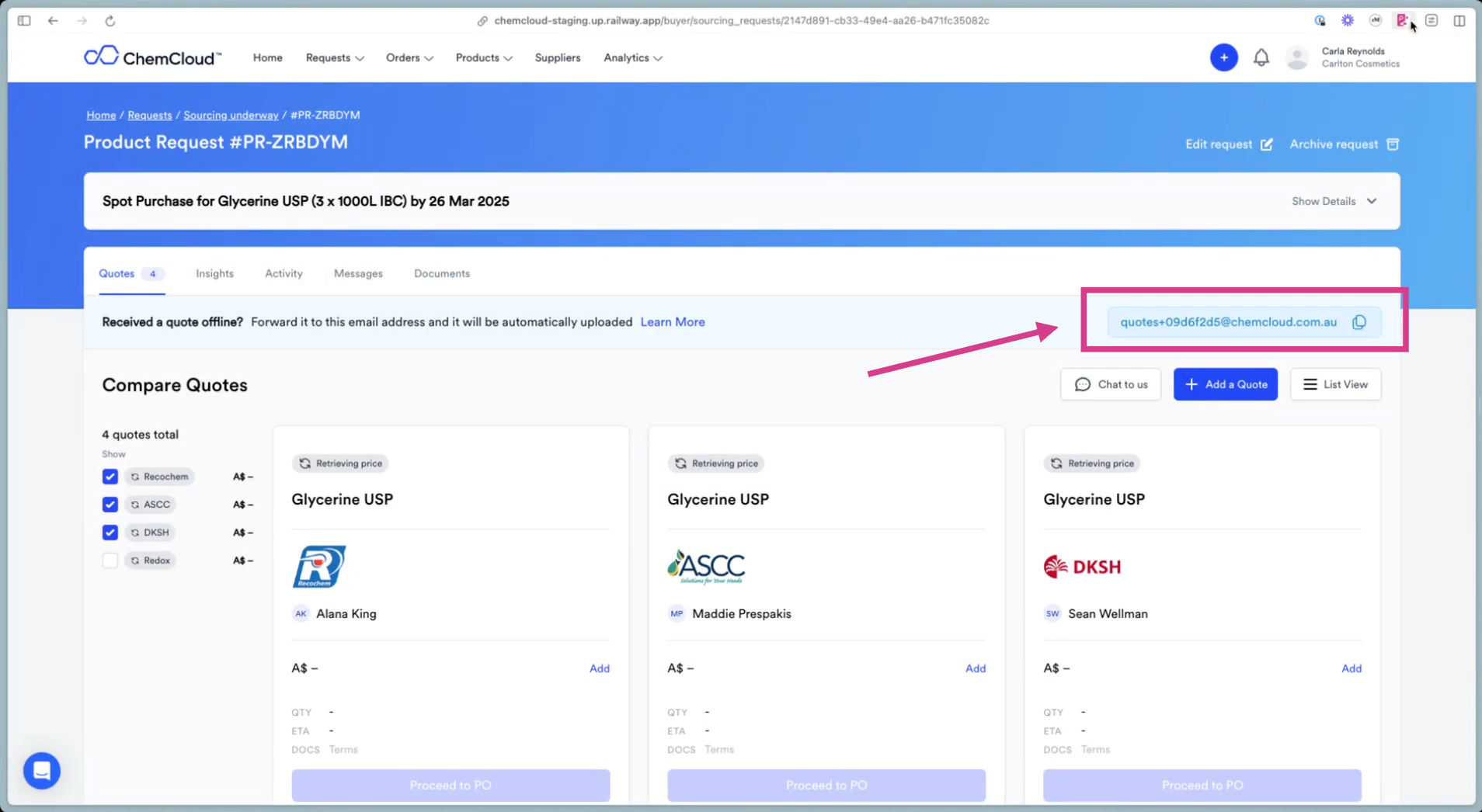
Get started by automating RFQs to your suppliers in just three simple steps. Once you’ve experienced how convenient this is - we can upload all of your products into the app. See more in Onboarding page.
Make a request in four easy steps
1
Select Product
Select product for a request
2
Add Account Managers
Add the suppliers you want to include in the request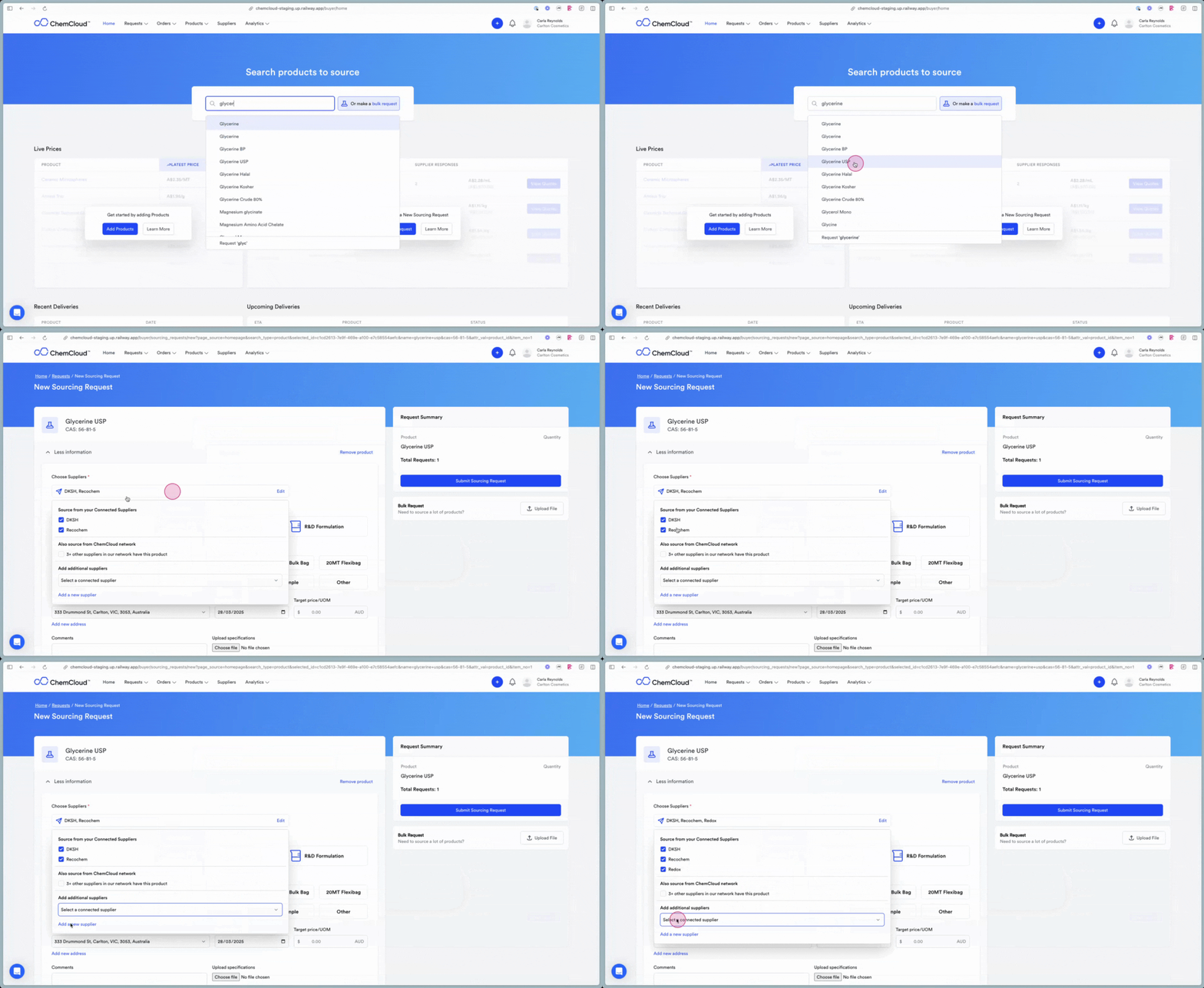
3
Add Request Details
Add details including pack type, number of packs, delivery address, required by date and comments.
4
Send Request
This will send an individual email to each account manager
What happens next?
Responses will be directed back to your email address. You can foward them to the AI Quote Ingestor, and they will be stored in ChemCloud for your review.