

Getting started
Upload your existing materials and supplier data to ChemCloud using the “Import a File” button on your dashboard. You can upload files in any format - spreadsheets, CSVs, or even PDFs - and our system will organize the information for you.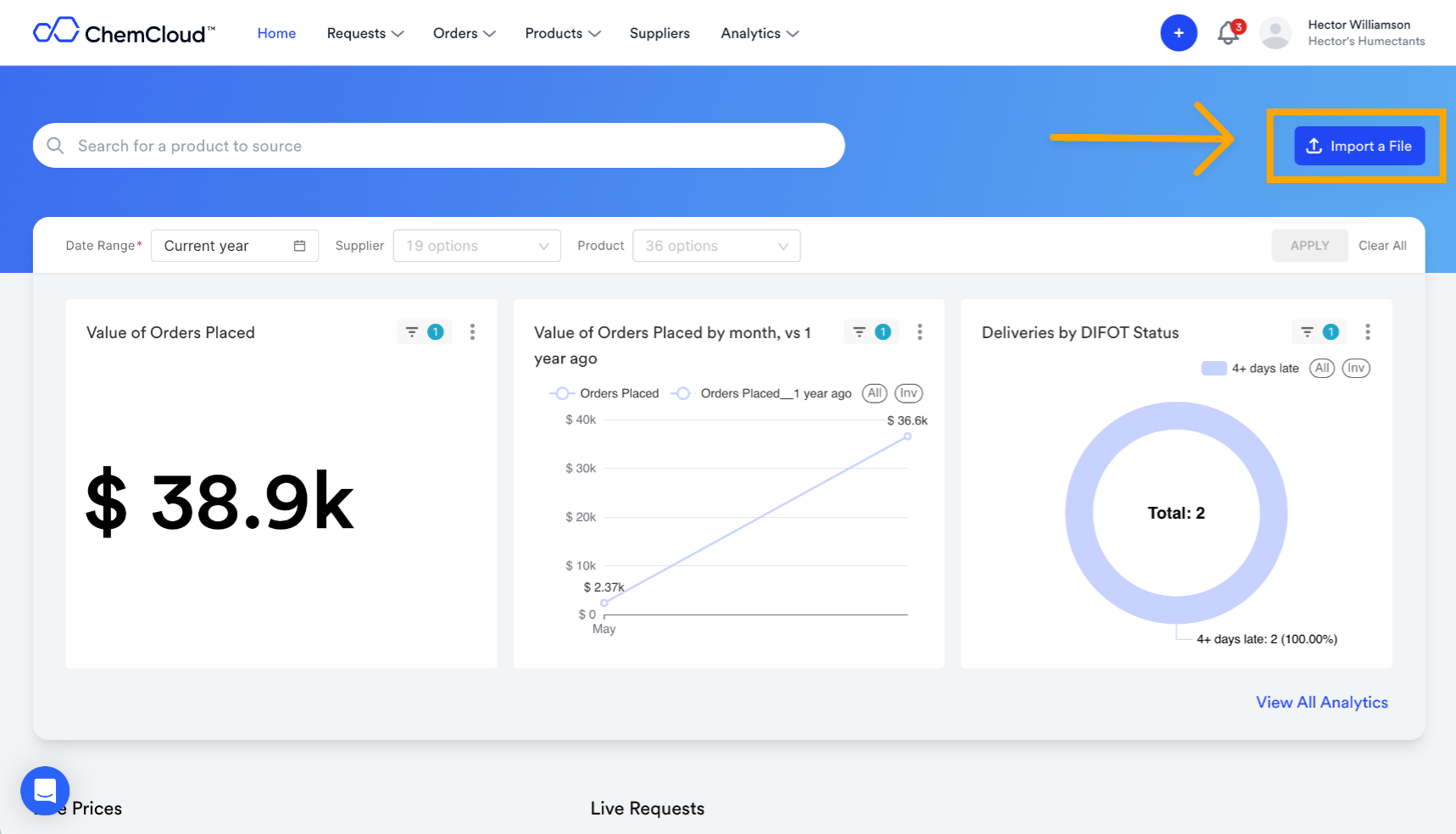
What information to include
For the most effective setup, we recommend uploading three types of data: Raw MaterialsYour complete list of approved chemicals and materials, including internal product codes and standard names Supplier Approvals
Which suppliers are authorized to provide each material (creates automatic supplier-material relationships) Supplier Contacts
Account manager names and email addresses for each supplier to enable automated communications
Two ways to get started
Option 1: Use our templateDownload our structured spreadsheet template with pre-formatted columns and example data to guide your upload. Option 2: Upload what you have
Send us your existing files in any format. Our team will organize and structure the data for you during setup.