> ## Documentation Index
> Fetch the complete documentation index at: https://docs.chemcloud.com/llms.txt
> Use this file to discover all available pages before exploring further.
# Add Users
> Add team members across different teams that you collaborate with
## Getting started
Collaboration across technical, procurement and supply chain teams is critical.
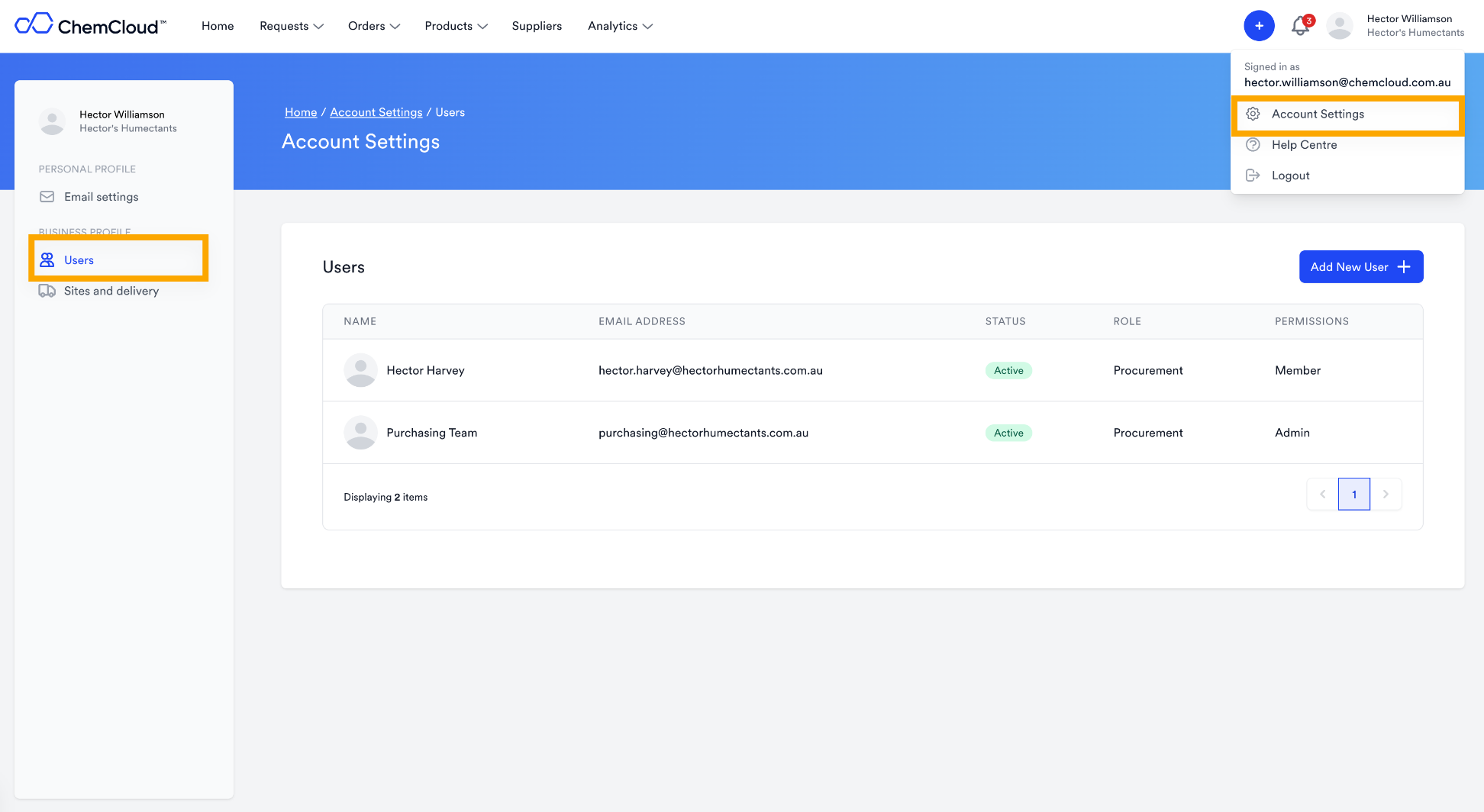
Make sure you add the right users from your organisation that will benefit from getting updates in ChemCloud. You can add users by going to the `Settings > Users` page.
## How to Add Users
Admins can add users to the organisation. As an Admin you can set hte Role and Permission of each new user.
You can now @mention users in any note on ChemCloud and it will send them an email. Check it out [here](https://chemcloud.mintlify.app/notes-and-mentions).
We recommend adding the main people you collaborate with:
* \*\*R\&D team: \*\*So that you can tag them in approved materials
* \*\*Procurement: \*\*So that they can access quotes and requests
* \*\*Supply chain: \*\*So that they can see incoming delivery updates